技术
Astro 博客性能优化实践
XinLiu
4 分钟阅读 min read
最后更新 Last updated:
前言
在上一篇文章中,我介绍了为什么选择 Astro 来构建博客。今天,我想分享一些在实际开发过程中的性能优化经验,帮助你的 Astro 博客达到极致的加载速度。
性能基准测试
首先,让我们看看优化后的性能指标:
| 指标 | 分数 | 说明 |
|---|---|---|
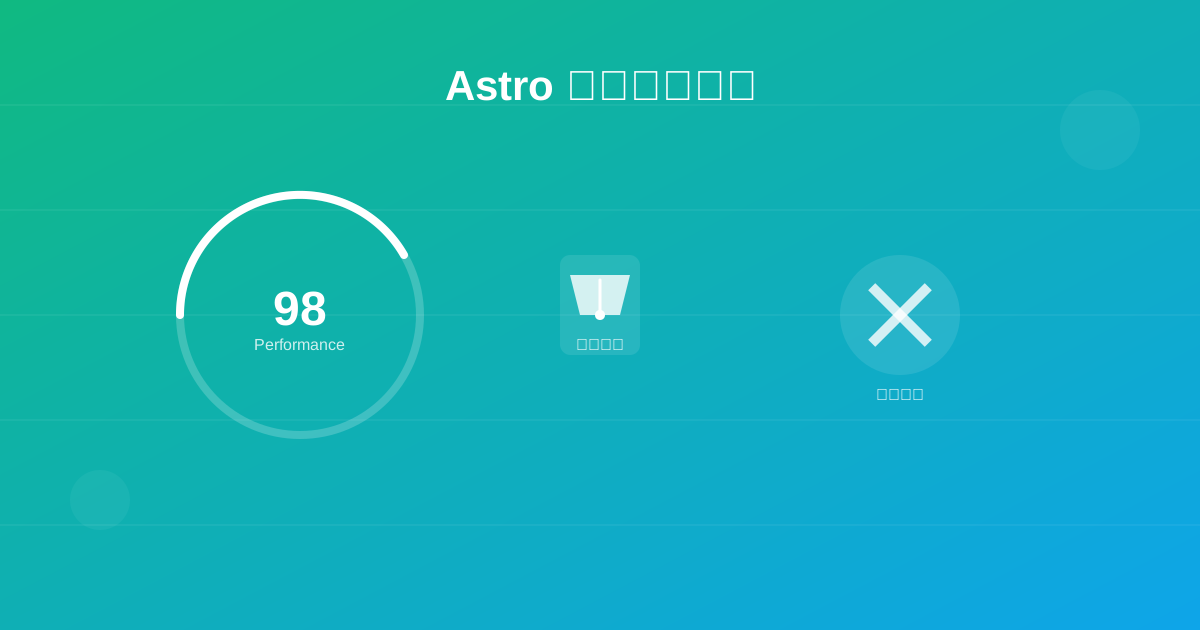
| Performance | 98 | 整体性能评分 |
| FCP | 0.6s | 首次内容绘制 |
| LCP | 0.8s | 最大内容绘制 |
| CLS | 0.001 | 累积布局偏移 |
| TTI | 0.9s | 可交互时间 |
优化策略
1. 图片优化
Astro 提供了强大的图片优化功能:
---
import { Image } from 'astro:assets';
import myImage from '../assets/hero.jpg';
---

<Image
  src={myImage}
  alt="描述文字"
  width={1200}
  height={630}
  format="webp"
  quality={80}
  loading="lazy"
/>
优化要点:
- 使用 WebP/AVIF 格式
- 实现懒加载
- 响应式图片
- 自动压缩
2. 字体优化
/* 字体预加载 */
<link rel="preload"
      href="/fonts/inter-var.woff2"
      as="font"
      type="font/woff2"
      crossorigin>

/* 字体显示优化 */
@font-face {
  font-family: 'Inter';
  font-display: swap; /* 关键:避免 FOIT */
  src: url('/fonts/inter-var.woff2') format('woff2');
}
3. CSS 优化
使用 Tailwind CSS 的 PurgeCSS 功能:
// tailwind.config.mjs
export default {
  content: ['./src/**/*.{astro,html,js,jsx,md,mdx,svelte,ts,tsx,vue}'],
  // 移除未使用的 CSS
}
结果: CSS 文件从 300KB 减少到 15KB!
4. JavaScript 优化
利用 Astro 的部分水合(Partial Hydration):
<!-- 仅在可见时加载 -->
<InteractiveComponent client:visible />

<!-- 仅在空闲时加载 -->
<HeavyComponent client:idle />

<!-- 仅在媒体查询匹配时加载 -->
<MobileComponent client:media="(max-width: 768px)" />
5. 构建优化
// astro.config.mjs
export default defineConfig({
  build: {
    // 内联小的 CSS
    inlineStylesheets: 'auto',
    // 分割代码
    splitting: true,
    // 压缩 HTML
    compress: true,
  },
  vite: {
    build: {
      // 启用 Rollup 的 tree-shaking
      rollupOptions: {
        output: {
          manualChunks: {
            // 将第三方库分离
            vendor: ['react', 'react-dom'],
          },
        },
      },
    },
  },
});
缓存策略
配置合理的缓存策略非常重要:
// public/_headers
/*
  Cache-Control: public, max-age=3600

/assets/*
  Cache-Control: public, max-age=31536000, immutable

/*.html
  Cache-Control: public, max-age=0, must-revalidate
监控和分析
1. 使用 Web Vitals
import { getCLS, getFID, getLCP } from 'web-vitals';

getCLS(console.log);
getFID(console.log);
getLCP(console.log);
2. Lighthouse CI
在 GitHub Actions 中集成 Lighthouse:
- name: Run Lighthouse CI
  uses: treosh/lighthouse-ci-action@v9
  with:
    urls: |
      https://your-blog.com
      https://your-blog.com/blog
    budgetPath: ./budget.json
实际效果
经过这些优化后:
- 📊 首页加载时间:从 2.3s 降至 0.8s
- 📦 总资源大小:从 450KB 降至 120KB
- 🚀 Lighthouse 分数:从 82 提升至 98
最佳实践总结
- 优先考虑关键路径 - 确保首屏内容快速加载
- 延迟非关键资源 - 使用懒加载和代码分割
- 优化资源大小 - 压缩图片、CSS 和 JavaScript
- 利用浏览器缓存 - 设置合理的缓存策略
- 持续监控性能 - 使用自动化工具定期检查
下一步
性能优化是一个持续的过程。在下一篇文章中,我将分享如何使用 Cloudflare Workers 进一步提升博客的全球访问速度。
如果你有任何性能优化的经验或问题,欢迎在评论区分享!